
The wearable is getting quieter
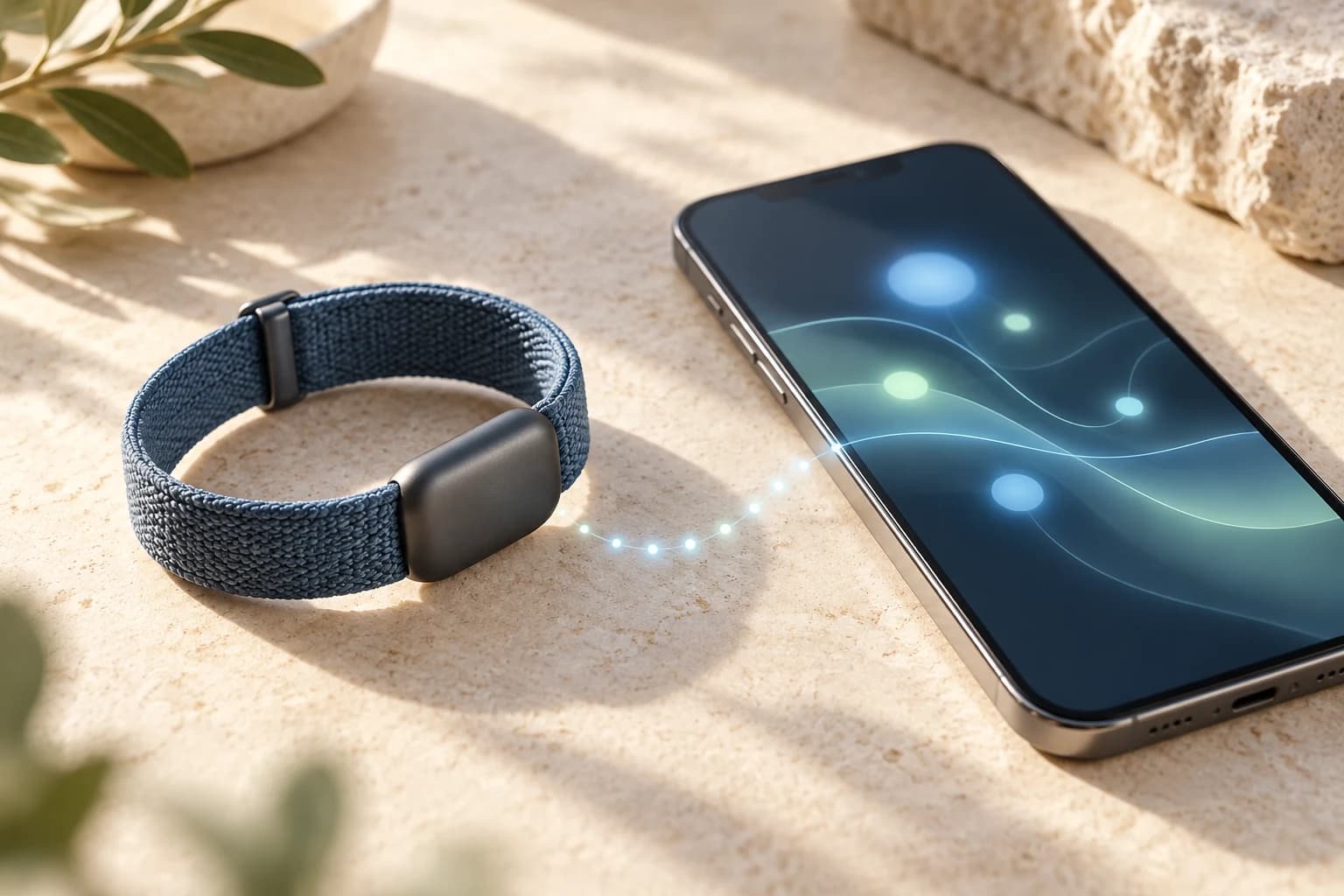
A fitness tracker used to invite a glance at your wrist: steps, a message, a workout timer. A screen-free fitness tracker makes a different promise. Wear the sensor, let it record, and open the app when you want to understand the picture. Google’s October 2 India introduction of Fitbit Air gives that conversation a timely example. Garmin’s CIRQA and WHOOP’s app-centered coaching show that this is a broader design direction, not a single product launch. The question is changing from what the device can display to what its software can help you understand.
A screenless band is a deliberate tradeoff
Google introduced Fitbit Air in May as a small, discreet tracker and explicitly chose a screen-free design. Its India page describes a lightweight band built for day-and-night tracking, with the Google Health app providing the companion experience. Garmin announced CIRQA on July 21 as its first screen-free smart band, with fitness and wellness information in Garmin Connect. Removing the display changes where you interact with the product. It can suit someone who wants less information on their wrist, while someone who relies on an immediately visible workout timer may prefer a different design. Neither preference says anything about the quality of the measurements.
A quieter device can still leave gaps in the record
A sensor that fits comfortably into your routine may be easier to keep wearing. That is a practical reason to consider a discreet band or ring, rather than proof that screenless devices always collect better data. Imagine a hypothetical week with three unrecorded nights because your device was charging or left at home. A polished weekly summary cannot recreate those nights. Check the coverage before interpreting the trend. Consistent wear, charging habits and the way a device fits are questions worth asking alongside its list of features. Quiet hardware still needs a usable record behind it.
The phone becomes the place for interpretation
With the display removed, the companion app carries more responsibility: showing history, explaining estimates and making the next action understandable. Google says its Gemini-powered Health Coach became available to Premium subscribers from May 19, following preview. WHOOP describes its AI guidance as combining biometric information such as sleep, strain and recovery with personal context. These are manufacturer descriptions of coaching features, not independent evidence that every recommendation is effective. They do show why a sensor specification alone no longer explains the experience. The app, access tier and information available to the assistant matter too.
More records are not the same as better advice
Consider a hypothetical reader who asks an assistant why a workout felt harder than usual. A heart-rate record may be relevant, but it does not contain the entire day. The question might also involve the planned session, what was actually completed, recent sleep or a constraint the reader has chosen to share. A useful answer should identify which records it used and where it is making an assumption. Ask what would change its conclusion. More data can improve the question being asked, but a fluent response does not establish cause, verify an outcome or replace professional judgment about a health concern.
Keep the source visible when apps connect the pieces
A phone can bring several records together without making them equivalent. Before comparing values, check the device, date, unit and time window. A daily summary and a reading from a particular moment answer different questions. If you change devices or connect another data source, review whether the app labels those differences and handles overlapping records clearly. An imported value also does not guarantee that every associated score, note or proprietary interpretation is available elsewhere. Look at what actually arrived in the receiving app, rather than assuming that connecting an account transfers the entire experience.
Read the software offer as carefully as the hardware offer
The app matters financially as well as practically. Garmin describes CIRQA’s fitness and wellness offering as available without a required subscription; Google places Health Coach in Premium. Those are different product offers, not a guarantee that every optional feature in either ecosystem is free. Rather than comparing only device prices, identify the information you need, which features require ongoing access, and what remains available without it. Also check the sharing and deletion controls before connecting services. A quiet sensor can still create a detailed record, so the software relationship deserves attention even when the hardware has no screen.
Where Connefi and PERI fit
Connefi brings supported connected-health information together with workouts, nutrition, goals and routine records. That gives a reader a place to ask a more focused question about their own routine. PERI can use relevant context available to a request and help review supported adjustments; the decision remains yours. Its view depends on the inputs available, and connecting a health source does not imply direct integration with every named wearable or access to every manufacturer score. Connefi’s Methods & Limitations page explains the distinctions between recorded information, calculated estimates and AI suggestions. Those distinctions matter just as much when the sensor becomes less visible.
Less on the wrist. More responsibility in the app.
The interesting part of the screen-free movement is not simply removing a display. It is the expectation that software will make a growing record easier to use. A good companion experience should help you see what was recorded, understand how a summary was formed and decide which question to explore next. That does not require checking a dashboard all day. It requires explanations that are clear when you do open it. The sensor can fade into the background; the source, context and limits of its information should remain easy to find.
Research & sources
Research provides context; it does not validate Connefi’s exact scores or establish individual outcomes.