
Same body, different numbers
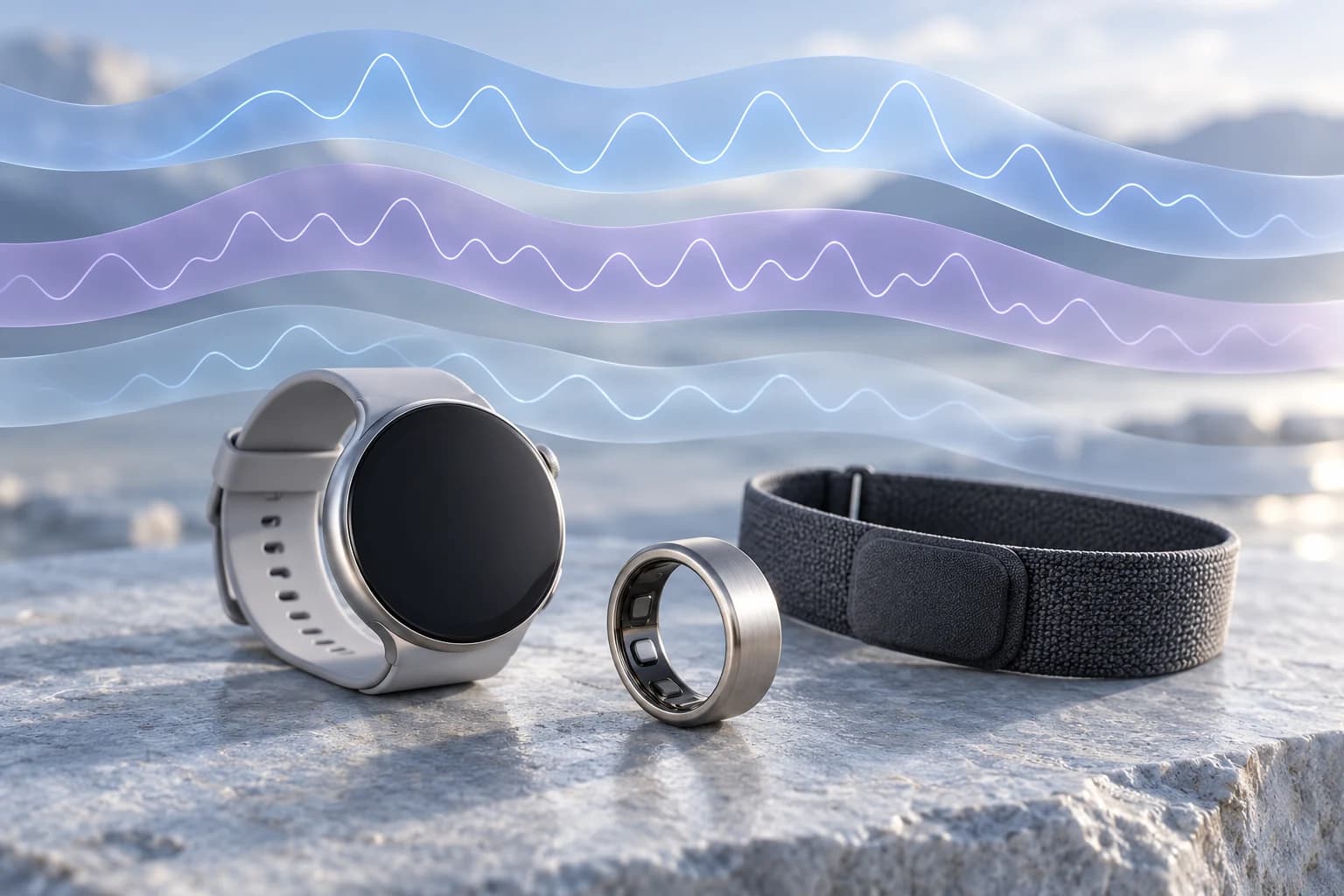
Imagine a hypothetical morning: your watch reports 42 milliseconds of HRV, your ring reports 58, and your band reports 51. One app encourages a normal training day while another suggests taking it easier. Those invented numbers are not a benchmark or evidence that one device is wrong. They illustrate a common comparison problem: a label and a unit do not tell you the whole measurement story. Before deciding which value to trust, ask what each device calculated, when it sampled, and how the app turned the result into a recommendation.
Why this comparison matters now
Apple’s September 9 announcement introduced higher-frequency HRV sensing on Apple Watch Series 12 and Ultra 4, alongside separate Recovery HRV and overall HRV variants. Oura’s HRV guidance, updated October 1, explains its overnight sampling approach. These developments make the distinctions worth revisiting today; this is not an October 8 feature launch. As apps surface more values, it becomes easier to compare numbers that were never designed to be equivalent. More frequent measurements can expand the record without making every summary directly comparable.
HRV is a family of measurements
Heart rate describes how often your heart beats. Heart rate variability describes variation in the intervals between beats. SDNN summarizes the spread of normal-to-normal intervals within a recording. RMSSD summarizes successive differences between those intervals, emphasizing variation from one beat to the next. Both can be expressed in milliseconds, but they are different calculations. The length and conditions of the recording also matter. Do not apply a fixed conversion or judge two values as equal simply because their units match. A comparison needs the method, recording window and context as well as the number.
Apple Watch: check which HRV you are viewing
Apple’s established technical documentation describes HRV calculated with SDNN. Its new announcement distinguishes Recovery HRV, intended for daily recovery and stress signals, from overall HRV, intended for broader health insights. It says the new hardware can sample HRV as often as every five minutes. However, the announcement does not explicitly map each display label to RMSSD or SDNN. Check the metric details and software documentation rather than assuming the label alone proves the formula. Also distinguish a watch’s recorded HRV from a third-party app’s own recovery calculation: using Apple Health records does not make every app’s interpretation the same.
Oura: an overnight average has a particular window
Oura describes its displayed average HRV as the mean of five-minute samples recorded during sleep, rather than a single reading. Its cardiovascular white paper identifies RMSSD as its HRV method. That overnight average and a maximum value answer different questions, so compare the same field across days. A whole-night summary can also differ from a value drawn from a narrower part of sleep. Oura encourages comparisons with your own history. When looking at Apple Watch vs Oura HRV, establish the calculation and time window before attributing a difference to sensor accuracy.
WHOOP: a sleep-based recovery reference
WHOOP documents RMSSD as its HRV calculation. Its published measurement explanation describes selecting the last deep-sleep cycle to obtain a stable reference, while its coaching material emphasizes sleep-based readings because daytime conditions can change the result. That is a different sampling approach from averaging an entire night. Treat these as manufacturer descriptions, not an independent ranking of accuracy, and check the documentation for your current hardware and software. Even when two systems both use RMSSD, the selected intervals and aggregation can differ. Sharing a formula does not guarantee an identical daily value.
Why recovery scores disagree too
A recovery score is another layer of interpretation. It is not HRV expressed on a more convenient scale. Oura’s Readiness contributors include resting heart rate, temperature, sleep and activity as well as HRV balance; its HRV balance compares recent history with a longer personal reference. Apple describes readiness as combining activity, vitals and sleep, with updates as new information arrives. WHOOP likewise uses HRV within a broader recovery experience. Different inputs, baselines, weighting and update times can produce different advice. You cannot translate a percentage in one app into a score in another by simple arithmetic.
A useful comparison starts with the record
Use a consistent source and method when following a trend. Check whether the value is a single sample, a nightly average or a maximum; review missing nights, fit and recording coverage. If you switch devices, give the new record time to establish its own baseline instead of treating the change in number as a change in your body. Look for patterns across comparable days and consider how you feel alongside the record. A lower value alone does not establish a cause or dictate a workout. Concerning symptoms deserve appropriate medical attention regardless of whether an app shows a favorable score.
Keep sources visible in connected apps
When health records move between services, check what was actually imported. A receiving app may have access to selected measurements without the original manufacturer’s proprietary recovery score. Units, aggregation, date boundaries and overlapping sources can change how a daily summary reads. Combining records into one chart does not make their methods interchangeable. Connefi’s Methods & Limitations page explains why source attribution, coverage and HRV method differences matter. The practical question is whether you can trace a summary back to the information used to create it.
Where Connefi and PERI fit
Connefi brings supported connected-health information into the context of workouts, nutrition, goals and routine records. PERI can use selected relevant information available to a request to help explore a question or review supported adjustments. It does not independently validate a wearable reading or establish which manufacturer is correct. A useful question might be: what changed in my logged routine around these lower readings? The answer should stay bounded by the available inputs and distinguish observations from assumptions. Connecting the pieces is useful when their differences remain visible.
Compare like with like before changing your routine
The most useful HRV number is not necessarily the highest one on your phone. It is one whose source, method and history you understand. Separate the measurement from the score, use comparable conditions, and look at trends within the same system. When apps disagree, start with the inputs rather than searching for a universal winner. Your health data becomes easier to use when you know what was measured, how it was summarized and which question the result can reasonably help answer.
Research & sources
Research provides context; it does not validate Connefi’s exact scores or establish individual outcomes.
- Apple · New HRV variants and readiness (September 9, 2026) ↗
- Apple · Heart rate and HRV sensing technical paper ↗
- Oura · HRV sampling and personal baseline (updated October 1) ↗
- Oura · Cardiovascular health white paper (RMSSD) ↗
- WHOOP · HRV calculation ↗
- WHOOP · Measurement and sleep sampling ↗
- Oura · Readiness contributors ↗